Databases
Assign DBC, ARXML and LDF databases to the bus channels, and check that they fit.
A raw bus log needs a database for each channel. The database says which frames carry which signals, and how to turn the bytes into values.
Assign databases to channels
Click Databases. The Database Manager lists the channels it found in the measurement.
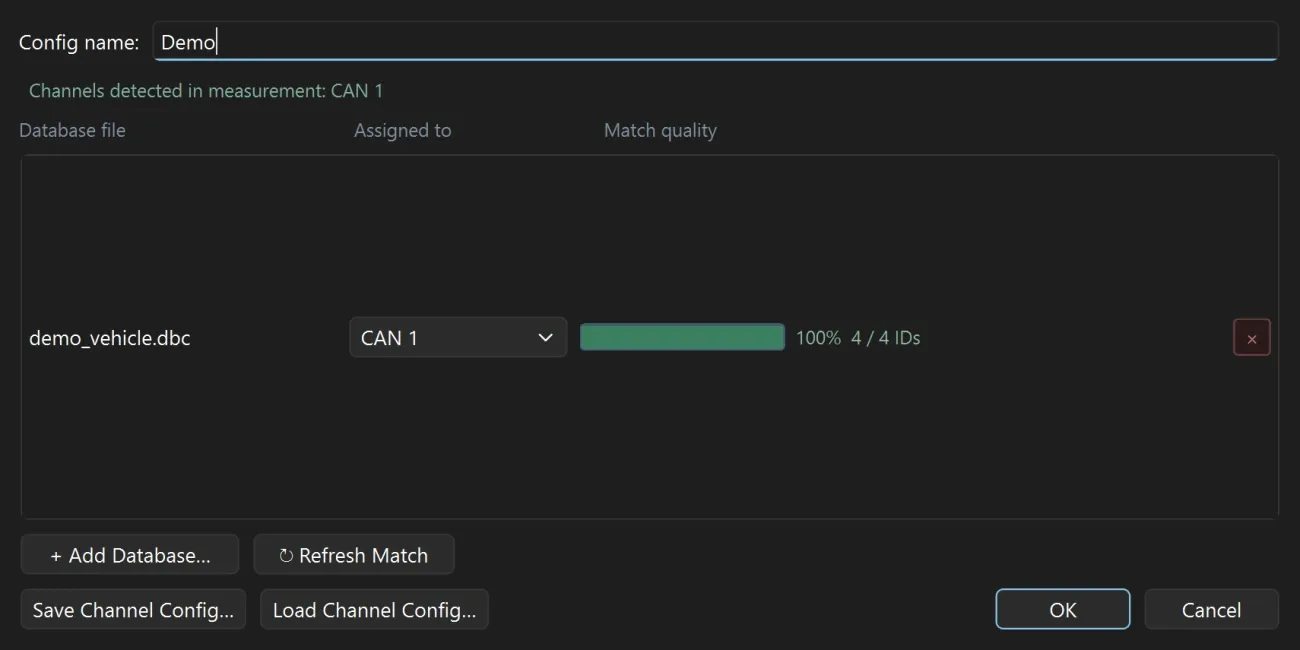
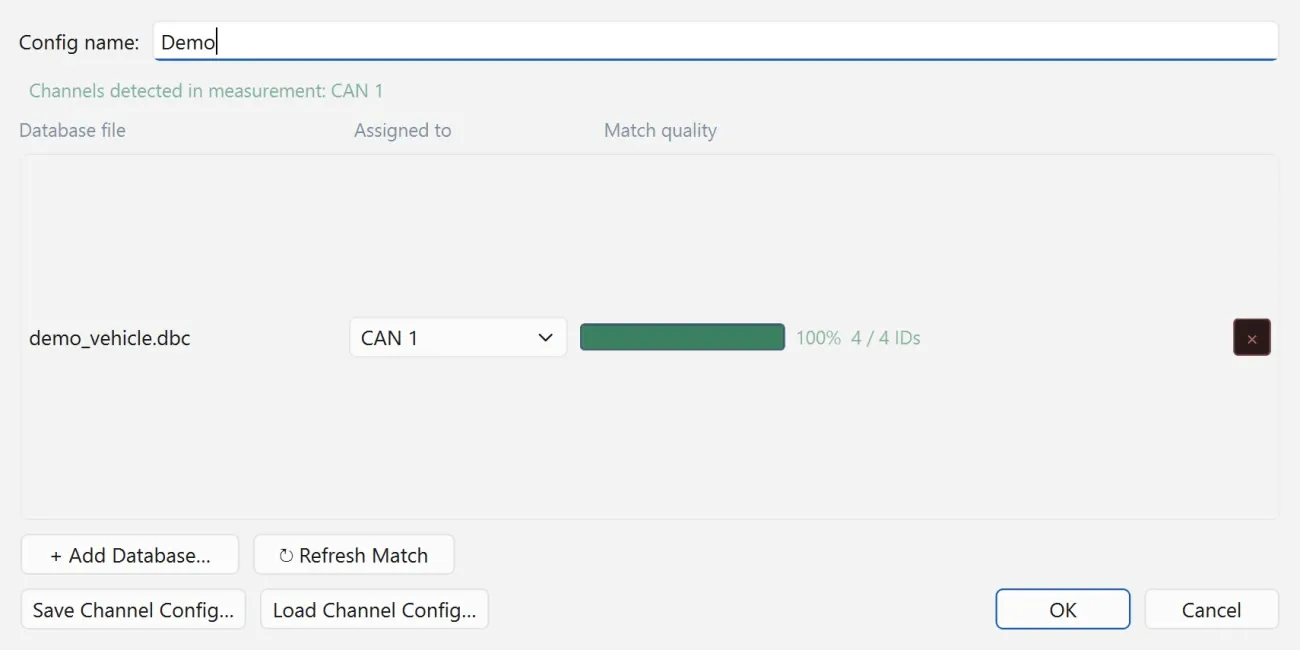
- Click + Add Database… and choose your DBC, ARXML or LDF files.
- Under Assigned to, choose the channel each database belongs to.
- Check Match quality for each one.
- Click OK.
Which database for which bus
| Bus | Database formats |
|---|---|
| CAN | DBC or ARXML |
| LIN | LDF |
Formats can be mixed: one channel can use a DBC and another an ARXML.
One database for every channel
All CAN (or All LIN) applies a database to every channel of that bus that has no database of its own. Use it when the same database describes all the channels, or as a fallback beside channel-specific ones.
Match quality
Match quality shows how well a database fits the frames on its channel. A low match usually means the wrong channel or the wrong database. Fix it before you decode: a message that no database describes is not decoded.
Reuse an assignment
- Save Channel Config… saves the assignment of databases to channels.
- Load Channel Config… restores it in one step, for the next measurement from the same vehicle or bench.
A configuration also keeps the database mapping, together with the measurement and the plot layout.
Files that need no database
An MF4, MDF or CSV file that holds decoded signals needs no database. Skip this step and decode.